Tenebris Somnia Beginner Guide
Start the released Tenebris Somnia with a spoiler-light plan for exploration, puzzle notes, combat resources and live-action story clues.
Explore deliberately, record unresolved puzzle clues and avoid spending combat resources without a plan. Tenebris Somnia combines 2D survival horror with live-action sequences; pay attention to both rather than treating the cinematics as unrelated interludes.
View reference image
On this page
Begin with the released game
The official Steam record lists the PC release as October 16, 2026. A demo also exists, and older footage can show a different version. Before following a walkthrough, compare its date and the visible scene with your own game. A correct demo solution is not automatically a complete release walkthrough.
The official 1.0.1 hotfix also changes and fixes specific situations. This guide uses the release and that announcement as its version context. It does not claim that every later patch will preserve the same encounter behavior.
Learn the two presentation layers
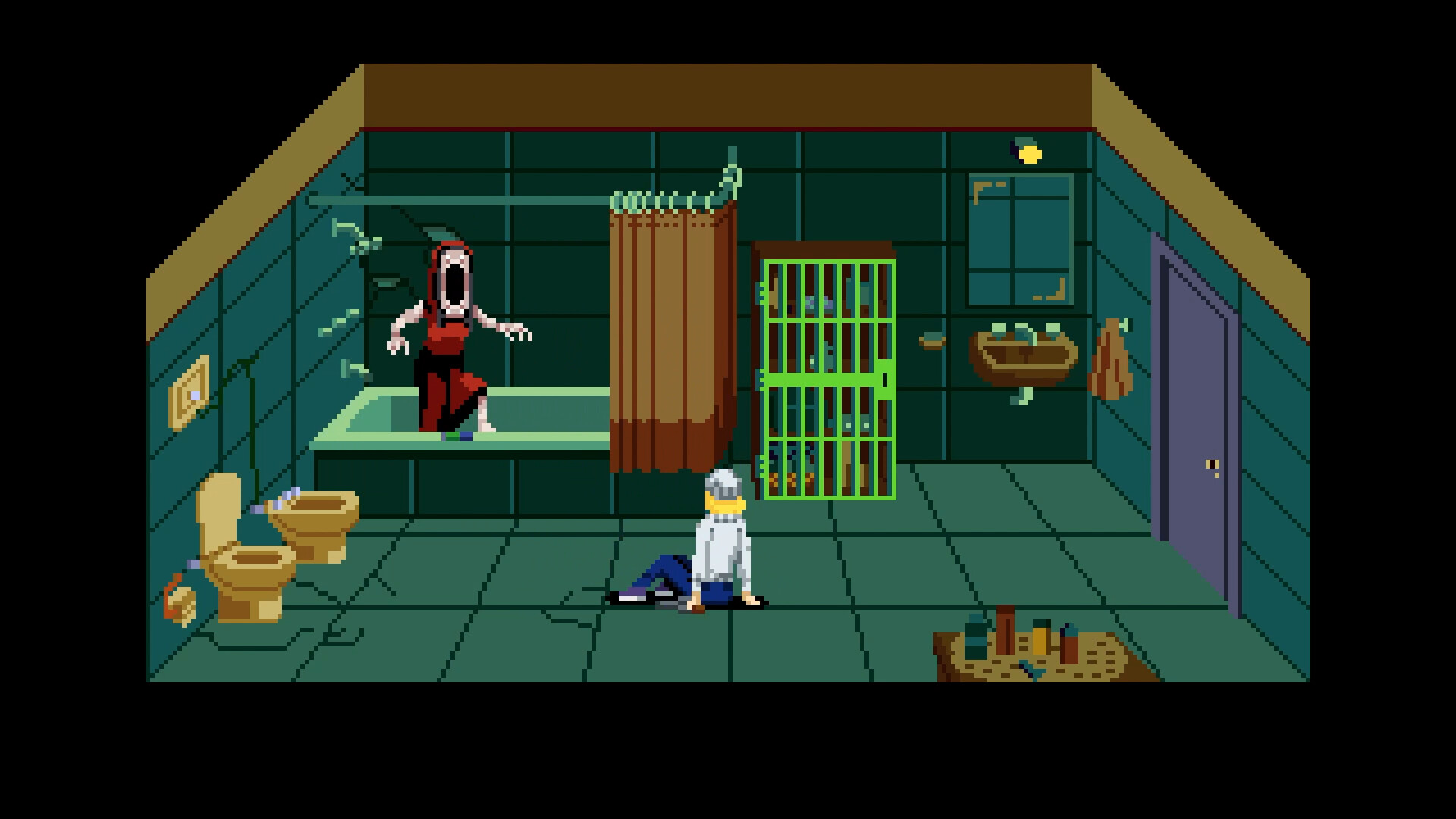
The developer describes a retro 2D survival-horror adventure with puzzles and hostile creatures, interrupted at key points by live-action cinematics. The store explicitly connects the game’s secrets with those cinematics. Pay attention to what is shown and said, but keep a story interpretation separate from a confirmed puzzle requirement.
A useful note identifies the scene and the detail that interested you. Do not assume every unusual visual is an interactive clue, or that a theory about a character automatically unlocks a different ending. No unverified ending conditions are supplied here.
Explore with a question in mind
When you enter a new area, identify what you are trying to learn: a route, an interaction or the context for an item. If you become stuck, separate inaccessible space from an unsolved interaction. Wandering through the same rooms without a question makes it harder to recognize new information.
Use a short notebook for unresolved tasks. Record the location, clue, attempted action and result. The puzzle notebook guide shows how to turn those notes into a next step without pretending to provide an unverified full-game solution.
Treat resources as decisions
Before repeating a difficult fight, check what you have and what caused the previous failure. A failed attempt can involve positioning, an unfamiliar attack or how you used an item. Spending more resources without identifying the problem may simply repeat the attempt at a greater cost.
The official hotfix says certain boss encounters now dynamically drop resources based on player health and inventory. That is a specific patch statement, not a promise that every encounter refills your supplies. The combat and resources guide explains the practical boundary.
Change one part of a retry
Choose a single change you can evaluate. If a route confused you, clarify the route. If a puzzle test failed, record why before trying another object. If a fight ended quickly, identify the visible cue you missed instead of changing every part of the approach at once.
These are editorial learning suggestions, not claims of hands-on testing. Exact controls should come from the current options and prompts on your device; old demo comments do not establish the release’s complete input layout.
You have completed this beginner task when you know which version you are following, have a clear unresolved objective and can explain your next action. The linked official trailers show the game’s presentation, while the Steam page and hotfix supply the release facts used here.
Step-by-step guide
- Confirm the version you are playing
Distinguish the released PC game from older demo footage before following a route or interpreting a changed puzzle.
- Keep a compact puzzle note
Record the clue, its location and what you have actually tried so you do not repeat the same failed hypothesis.
- Review resources before a difficult encounter
Check your current inventory and route before committing to a fight or retrying an unsuccessful approach.
Quick reference
Decision reference
| If you are stuck on | First check | Next guide |
|---|---|---|
| A route from an old video | Demo versus released game | Confirm the build and compare the visible scene |
| An unresolved puzzle | Clues and tests already recorded | Use the puzzle notebook guide |
| Repeated combat failures | Available resources and the failed decision | Use the combat and resources guide |
| A story detail | What the cinematic actually showed | Separate observation from an ending theory |
Video evidence
Watch creator walkthroughs alongside this guide. Check the recording date before following requirements that may have changed.
Tenebris Somnia - Launch Trailer
Official presentation footage. The older announcement concerns the demo; use the current release listing for release facts.
New Blood Presents: TENEBRIS SOMNIA
Official presentation footage. The older announcement concerns the demo; use the current release listing for release facts.
FAQ
Which version does this page cover?
PC release and official v1.0.1 hotfix checked 19 October 2026. Check the current game interface when an older guide or clip disagrees.
Is this an official or tested walkthrough?
This is an independent source-based guide. Developer facts and editorial planning suggestions are separated; no hands-on testing, guaranteed route or unsupported numerical values are claimed.
Sources
Recheck these links whenever the game version, release status, or strategy changes.
- Official Tenebris Somnia game listing Primary source checked 19 October 2026; mechanics are version-specific.
- Official 1.0.1 hotfix Specific release fixes; not a complete combat or puzzle database.